
User Management in CMS
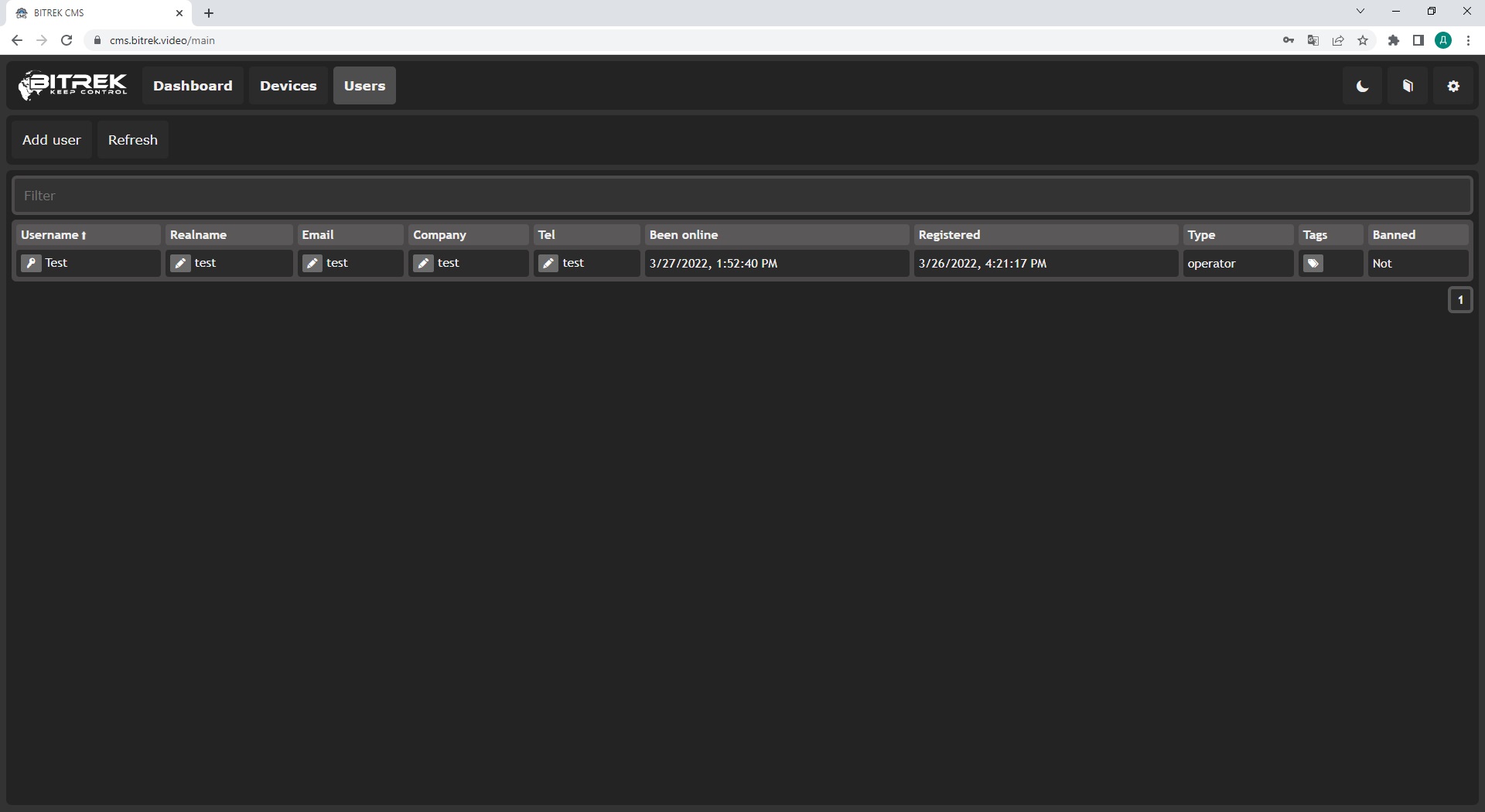
To add a new user you will need to click on the button Add user, where you will need to specify
- user name
- real name
- Password
- Company
- Phone number
- Type of access
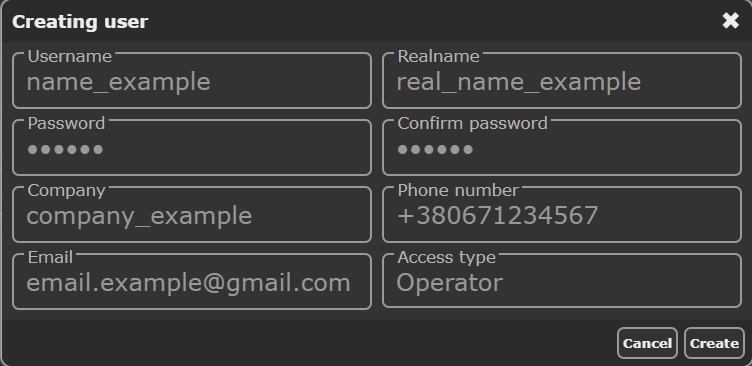
To add a new user you will need to click on the button Add user, where you will need to specify