
How to Enable Event-Centered Video Mode
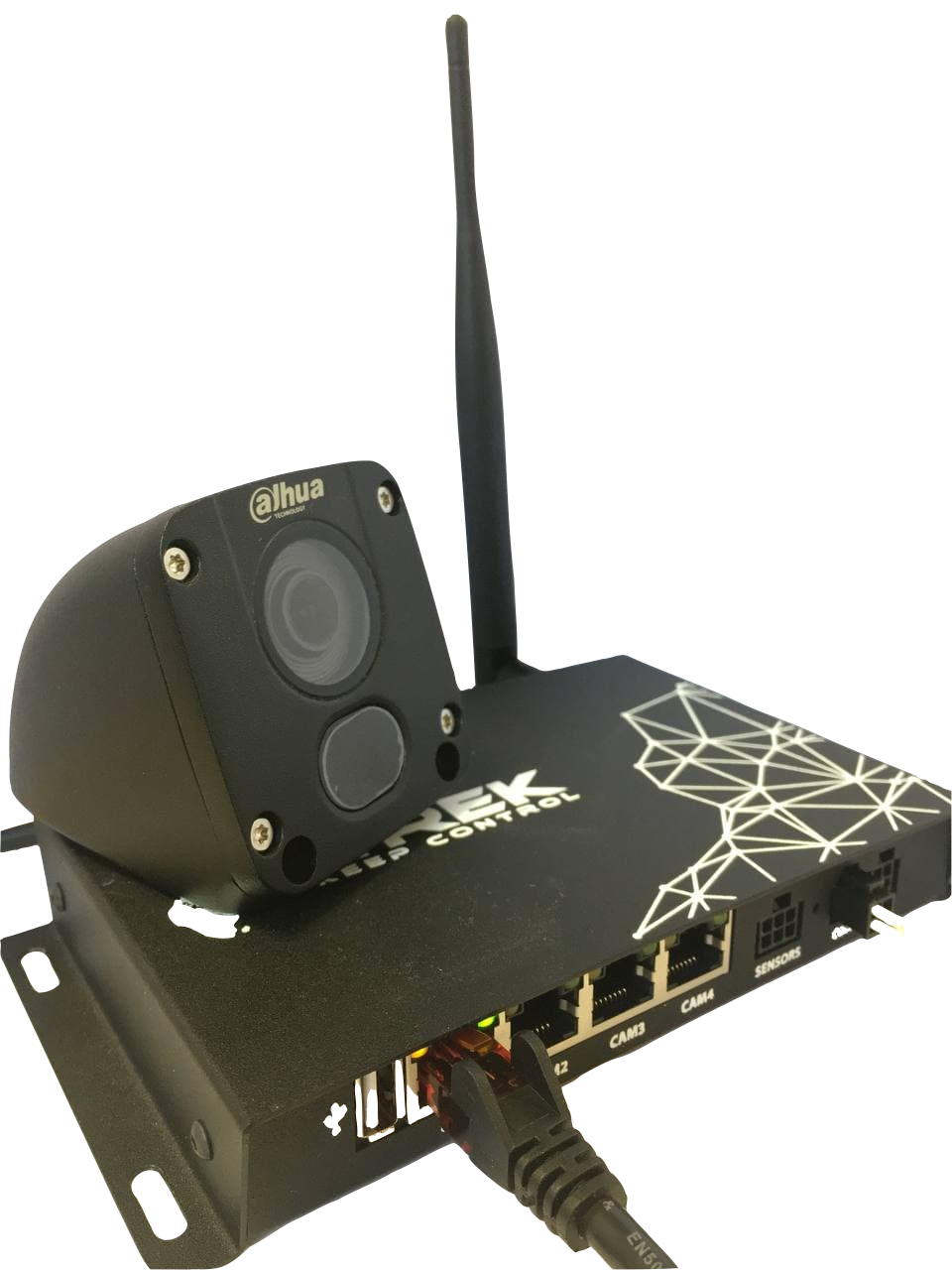
First you have to connect the cameras to the device
After that, you should go to device configuration menu, go to the tab Cameras/Timelapse/Center event video (content 4)
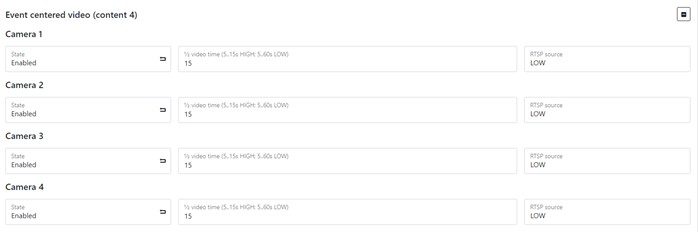
Here you can adjust the duration of the video (depends on its quality) and the quality of the stream.