How to Enable and Connect the Tracker
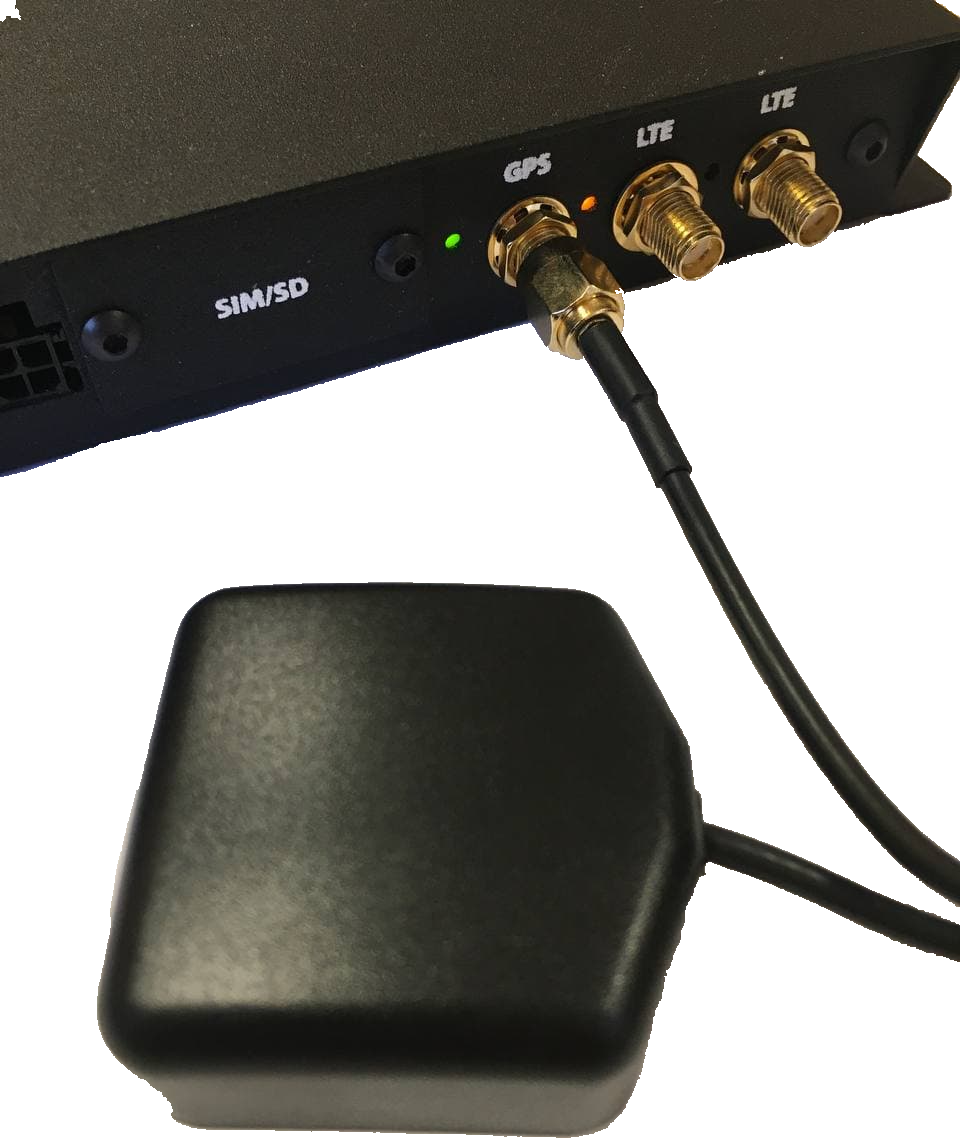
First you need to connect the GPS module to your device
After that, you should enter the device configuration menu and go to the System/Tracker tab.
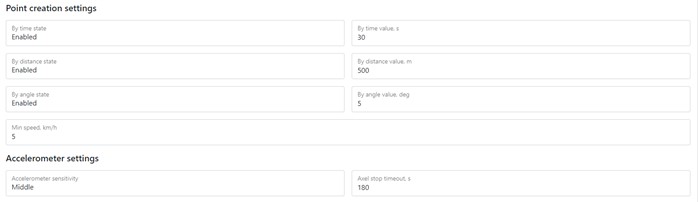
After you turn the tracker on, you can configure it to your needs: use GPS module or static coordinates, set the sending via IPS server and create a point by time distance and angle etc.
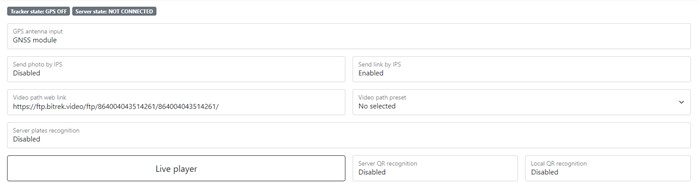
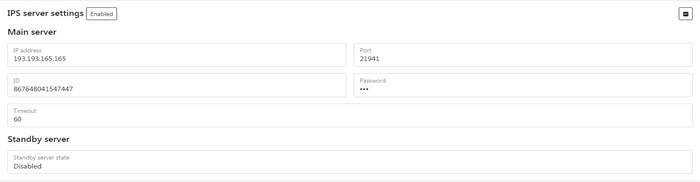
You can also configure the IPS server itself, specifying its address, port, ID, etc., as well as view the current GPS information