
How to Connect to Device in Wi-Fi Access Point Mode
First you need to connect the WiFi module to your device
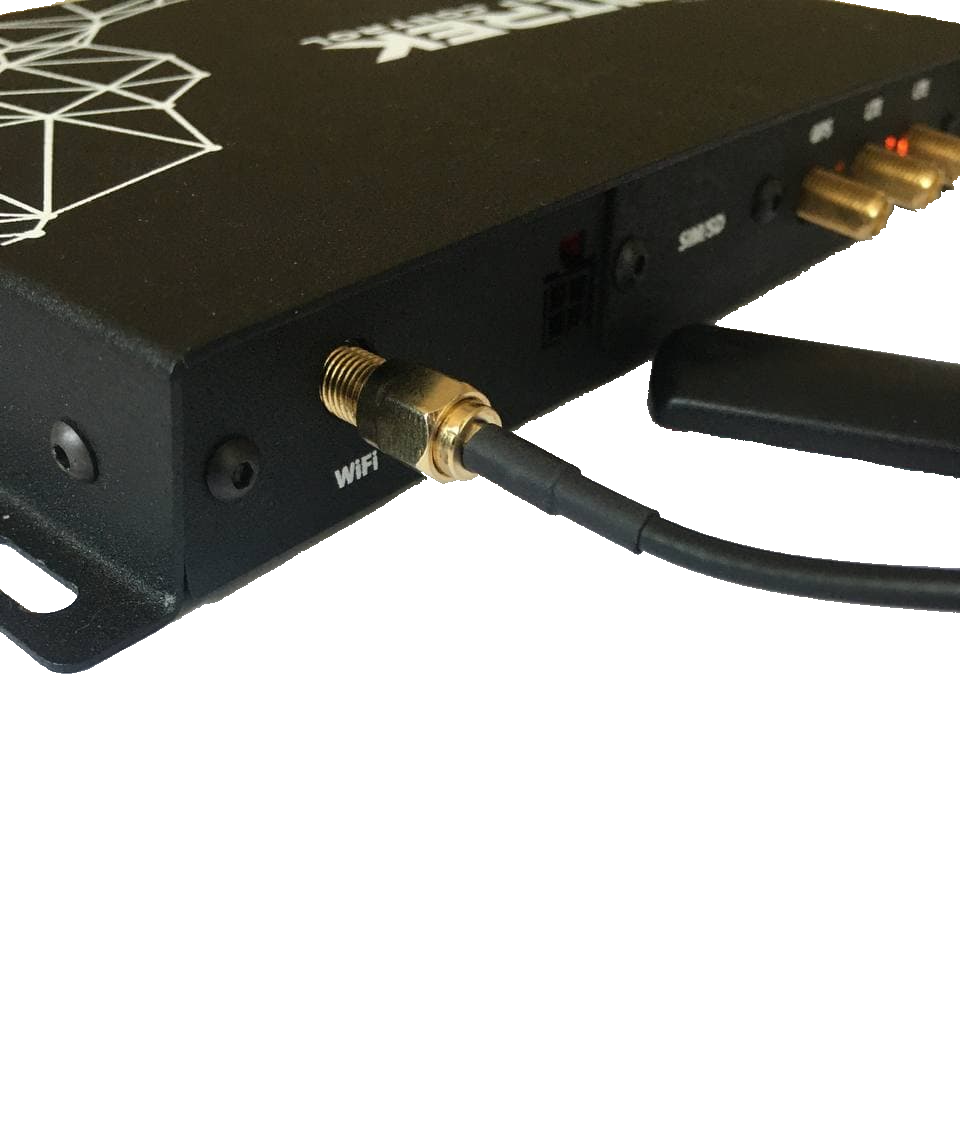
After that, you need to go to device configuration menu, and go to the Network/WiFi tab and select * AP (access point)* mode.

Here you will be able to configure SSID of your device and set access point password
Done! After that you will be able to connect to it from any device with WiFi