
Loop Video Recorder Settings
In this chapter you can set loop video recording, check and set the camera state, and interval between recordings, and select the quality of the video to be recorded.
Figure 1 — Chapter Loop video
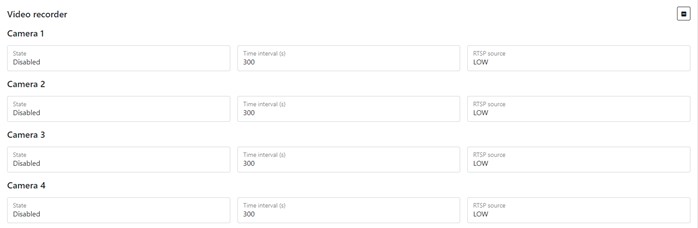
Table 1 — Loop video parameter description
To set the default settings, click the Default button. To save settings in NVR click Save settings button.