
Device System Settings
System settings – section with system settings such as:
- Time zone;
- Storage;
- File names pattern;
- System information sending interval;
- URL of the server that receives system information;
- NTP server settings;
- Setting the device reboot time;
- Ignition sensor settings;
Time
Figure 1 — Time
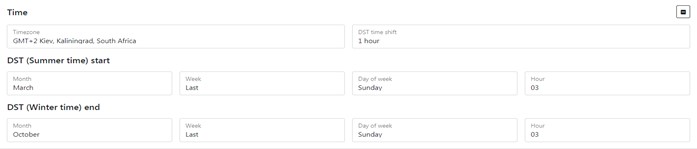
*Table 1 — Parameter Description of Time *
System maintenance
Figure 2 — section System maintenance
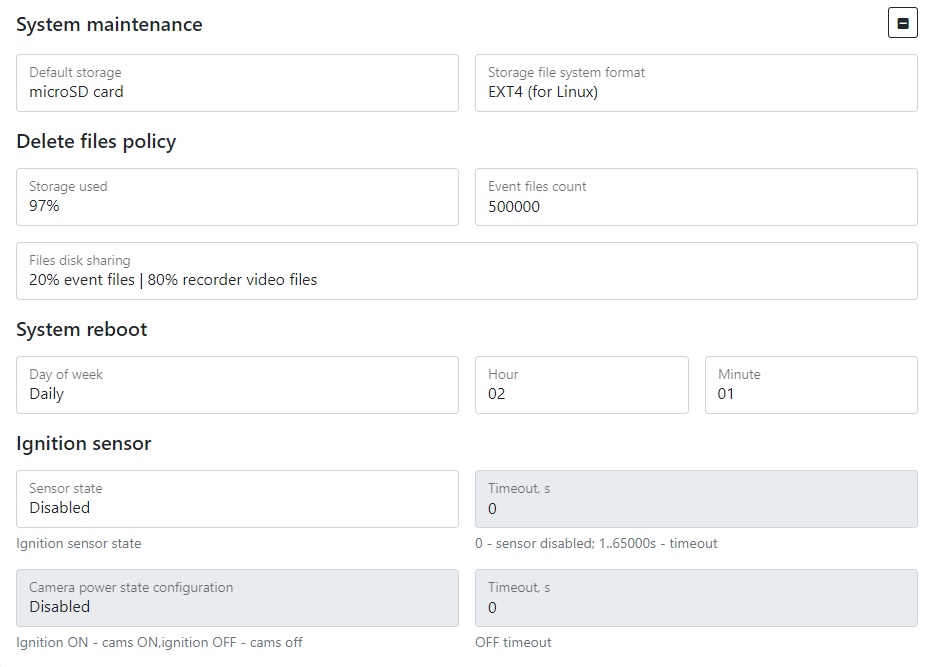
Table 2 — Parameter Description of System maintenance:
Files name pattern
– pattern for setting the name of the created file
Figure 3 — section Files name pattern.
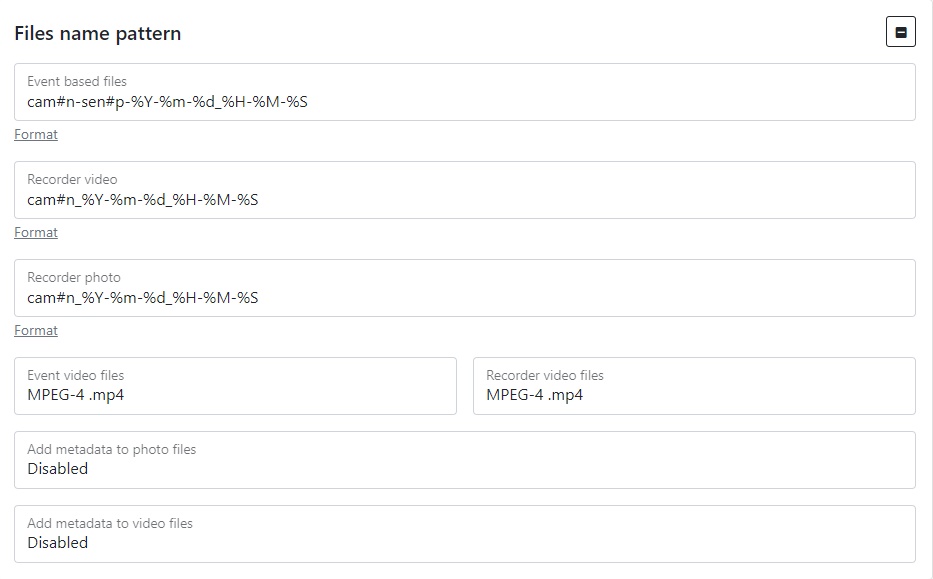
Table 3 — Description of the pattern for setting the name of the created file
The next parameters of mNVR are also used.
Table 4 — mNVR settings to customize the name of the file being created
Video files extension – file extension format. MP4 format requires full file download for playback, MKV format supports playback of not fully downloaded files. MKV is recommended for poor communication quality
Servers configuration
Figure 4 — section servers configuration
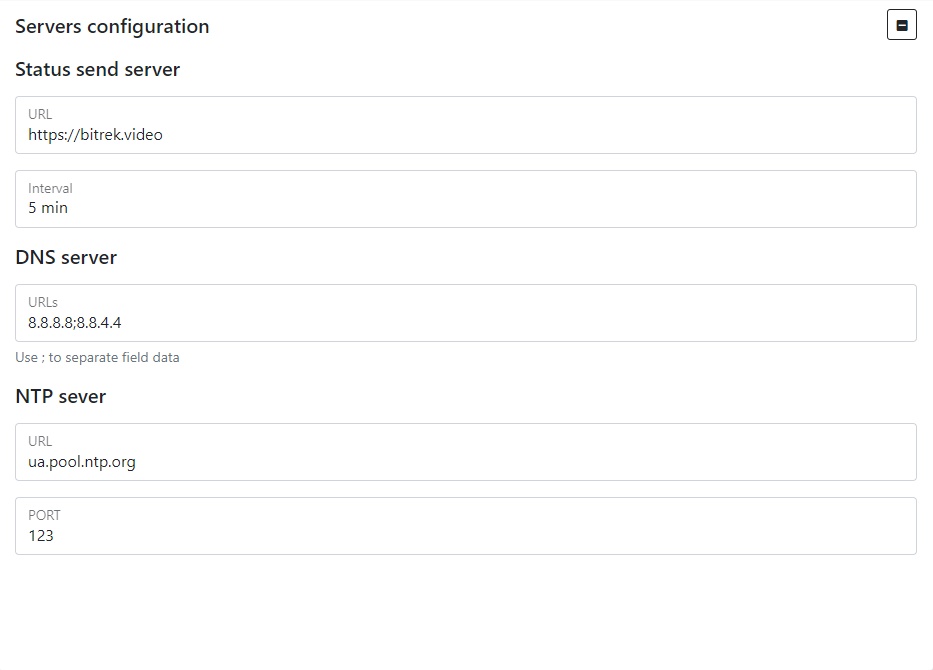
Table 5 — Parameter Description of servers configuration
Cameras power management using VIN
Figure 5 — Cameras power management using VIN
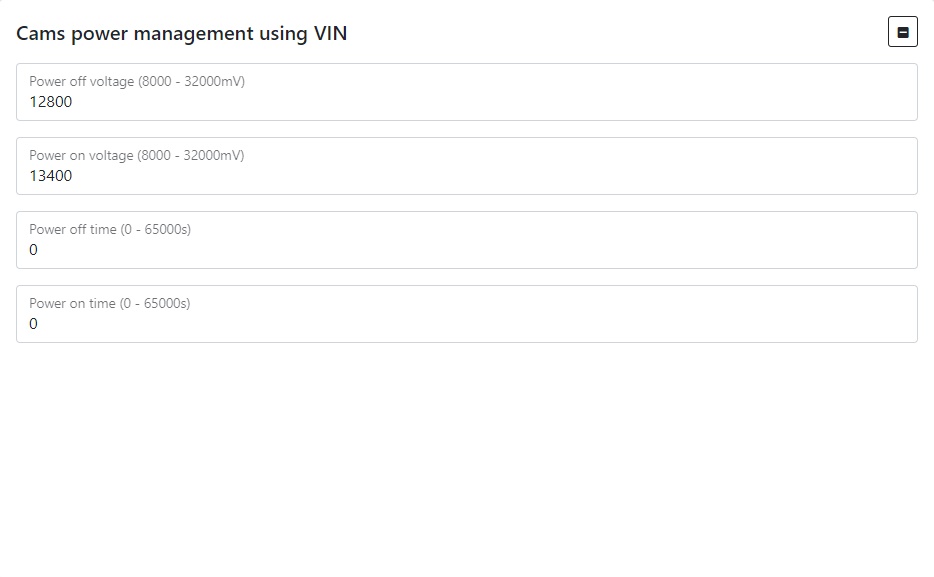
Table 6 — Cameras power management using VIN parameter description
To set the default settings, click the Default button. To save settings in NVR click Save settings button.